

Managing multiple social media accounts can be a headache — especially for social-media managers juggling multiple clients, campaigns, and platforms. Facebook may be a mainstay, but integrating and aligning content across other channels like Twitter, LinkedIn, Instagram, and Pinterest requires seamless tools. With the right technology, cross-posting, smart scheduling, and link sharing become a breeze.
TL;DR
Here are the top 7 tools that social-media managers swear by to combine Facebook with other platforms for maximum efficiency and reach. These tools enable smart content scheduling, effective cross-posting, and simplified analytics across multiple channels. They help teams save time and maintain consistency in brand messaging. Whether you’re a solo manager or part of an agency, you’ll find the perfect fit among these options.
1. Hootsuite
Best For: Large teams and comprehensive analytics
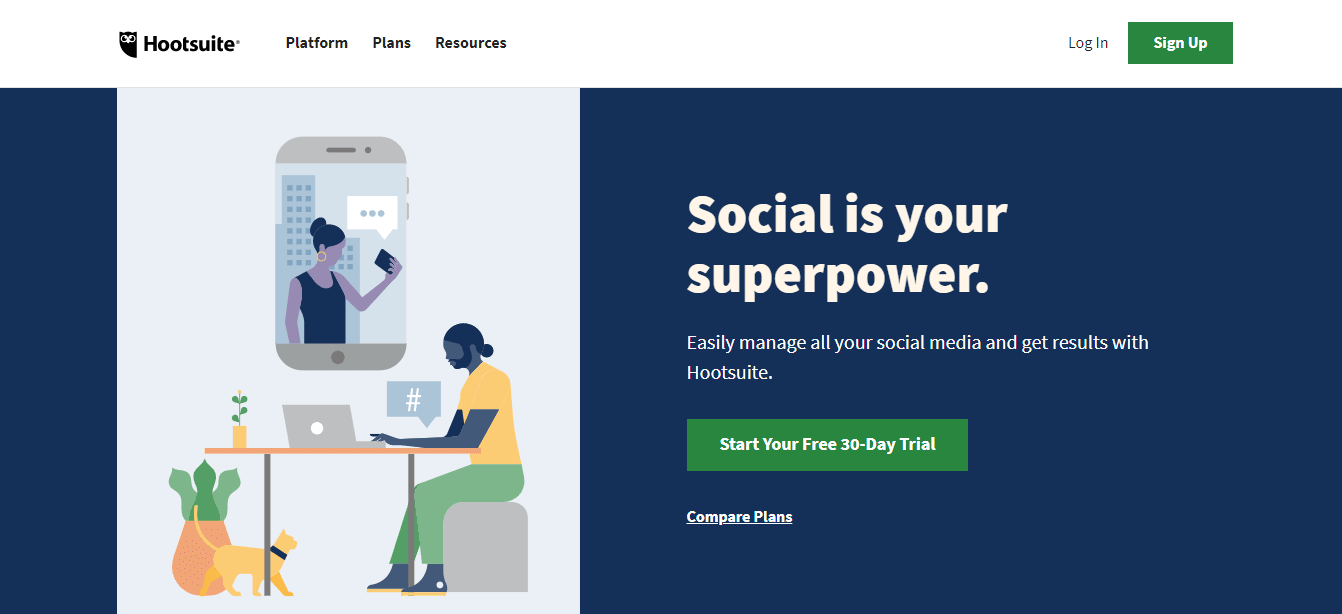
Hootsuite has been a go-to for social-media managers for years. It allows users to connect Facebook, Twitter, Instagram, LinkedIn, Pinterest, and even YouTube in one dashboard. With drag-and-drop scheduling, media asset organization, and team collaboration features, it’s perfect for scaling social efforts.
- Craft content for multiple platforms from one editor
- Auto-schedule posts at optimal engagement times
- Monitor engagement with built-in analytics
- Integrates with over 150 apps
One of its standout features is its powerful analytics dashboard, which is instrumental in understanding what content resonates best across platforms, including Facebook.
2. Buffer
Best For: Small to mid-size teams with simple workflows
Buffer is widely praised for its user-friendly interface and clean scheduling abilities. For those wanting a clutter-free experience that just works, Buffer delivers.
You can connect Facebook Pages and Groups alongside Instagram, LinkedIn, Twitter, and Pinterest. It allows users to:
- Schedule posts across multiple networks simultaneously
- Tailor each post per platform (e.g., use hashtags for Instagram but not LinkedIn)
- Preview how content will look before it’s posted
- Collaborate with team members using approval workflows
Buffer also includes a nifty browser extension for easy link sharing straight from your content sources like Medium, blogs, and news sites.
3. Later
Best For: Visually planning and Instagram-first strategies
Later started as an Instagram-focused tool but now supports Facebook, Twitter, Pinterest, TikTok, and LinkedIn. What makes it unique is its emphasis on visual scheduling using a drag-and-drop calendar interface that rivals more text-heavy platforms.
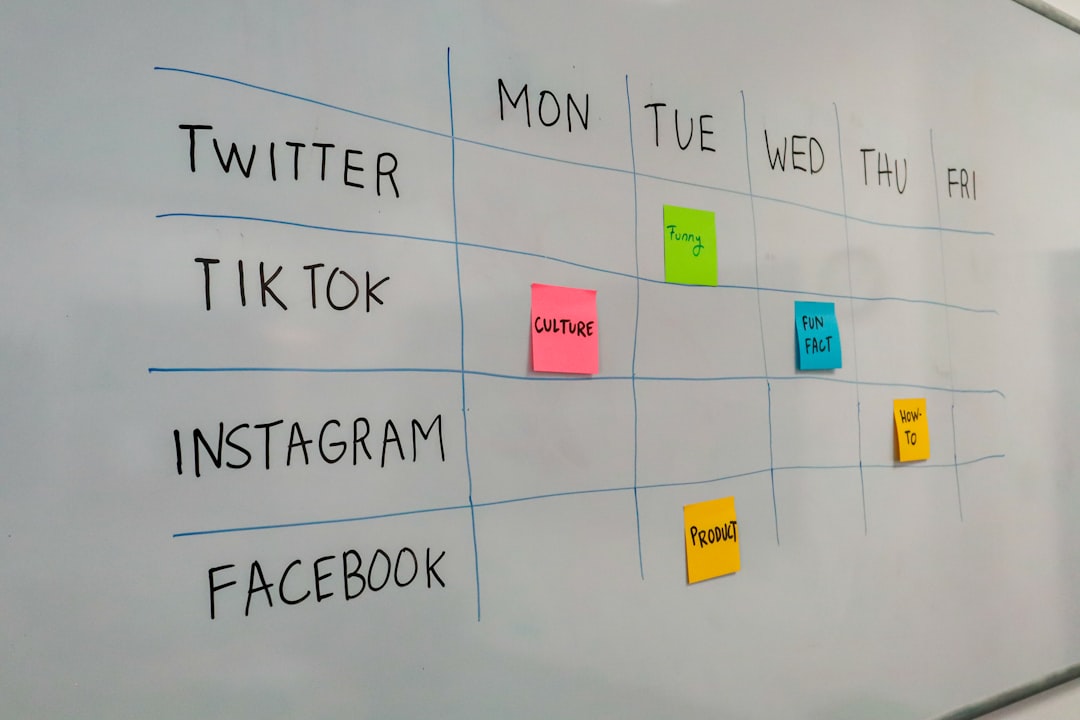
Later is especially popular with brands that place a large emphasis on the look and feel of grid layouts in Instagram, but its benefits extend to Facebook as well.
- Schedule Facebook posts with media previews
- Use saved captions and hashtag suggestions
- Visualize your content flows across channels
- Track link performance with Linkin.bio for Facebook and Instagram
Its approachable pricing and clean design make it ideal for freelancers and boutique agencies.
4. Sprout Social
Best For: Enterprise users and integrated CRM capabilities
Sprout Social is a heavyweight solution built not just for scheduling, but for strategic social media marketing. It integrates Facebook, Instagram, Twitter, LinkedIn, Pinterest, and even allows you to manage incoming messages and comments from one inbox.
Key features include:
- Unified Smart Inbox to track user messages across platforms
- Post scheduling, analytics, and asset management
- CRM-like features to track customer interaction histories
- Advanced reporting for marketing effectiveness
Social-media managers love how Sprout Social treats each platform uniquely while still giving a big-picture view — especially valuable for agencies handling Facebook alongside other channels in big campaigns.
5. SocialBee
Best For: Content repurposing and evergreen posting
If you need to recycle and repurpose content across Facebook and other platforms, SocialBee has your back. It focuses on evergreen content scheduling, which means your most successful posts don’t have to die one-time deaths.
- Share and reshare posts across Facebook, Twitter, LinkedIn, Instagram, and Pinterest
- Organize posts into content categories
- Use RSS feeds to automate content curation
- Customize variations of the same post per platform
The bulk-import, content categorization, and set-it-and-forget-it approach save managers immense time when juggling multiple campaigns and clients.
6. Zoho Social
Best For: Businesses already using Zoho or other CRM tools
For social-media managers working within larger business ecosystems, Zoho Social is the perfect integration platform. It combines Facebook with Twitter, LinkedIn, Instagram, Google My Business, and more — plus it integrates deeply with Zoho CRM and other Zoho apps.
With Zoho Social, you can:
- Manage publishing across networks with preview capabilities
- Visualize posts on a smart scheduling calendar
- Track Facebook engagement with detailed post insights
- Collaborate using custom roles and team dashboards
It’s the best choice for marketing teams seeking strong CRM + social integration under one umbrella.
7. Publer
Best For: Advanced scheduling and post recycling on a budget
Publer is a rising star among social-media management tools, providing a high degree of automation while supporting Facebook, Instagram, Twitter, LinkedIn, Pinterest, YouTube, TikTok, and Google My Business.
Standout features include:
- Post scheduling with multiple media types
- Auto-recycling and expiration of posts
- Hashtag generator and AI-powered content suggestions
- Bulk upload and post import via CSV or blog RSS
Its pricing is among the most affordable, especially for solo marketers and freelancers. And the moderation inbox feature helps you keep up with Facebook comments alongside other channels in one view.
Final Thoughts: Picking the Right Tool
Social-media managers all have different workflows, goals, and client needs — making the “perfect” tool a subjective choice. If you’re looking for powerful analytics and team support, go with Hootsuite or Sprout Social. Freelancers and solopreneurs might favor lightweight but effective platforms like Buffer or Publer.
For those prioritizing visual content and planning, Later is a clear winner. And if you need automation and content recycling, SocialBee’s category-based system could be a game-changer. Lastly, teams already using the Zoho ecosystem will find Zoho Social highly synergistic.
In the end, the best tool is the one that meets your unique blend of team size, content strategy, platform focus — and of course — budget.
Happy scheduling!