


Ever wanted to find someone online just by using a photo? Thanks to AI, that’s totally possible now! Face recognition tools have gotten super smart, and some of them are even free to use. Whether you’re hunting down old friends, verifying identities, or just feeling curious, these tools can save you tons of time.
TL;DR: Face search tools powered by AI help you find people online by matching their photos with images on the web. They’re great for social media lookups, reverse image searches, and verifying online identities. Some tools work through facial recognition while others use image data. Let’s explore the best 15 tools you can try today!
1. PimEyes
Like Google, but for faces. Upload a face, and PimEyes scans millions of websites to find matches. It’s surprisingly accurate. Great for IDing public photos or finding stolen images.
2. Clearview AI
This one means serious business. It’s used by law enforcement—and while it’s not for casual browsing, it’s one of the most powerful face search tools out there. Just don’t expect free access.
3. FaceCheck ID
A user-friendly face search engine. Just snap a picture, upload it, and boom—it searches profiles, news sites, and more. Ideal for dating profiles and social media verifications.
4. Social Catfish
Ever been catfished? This tool can help. It blends reverse image search with facial recognition to find out if someone is who they say they are. Useful for online dating safety.
5. FindClone
Popular in Russia and beyond. It matches an uploaded face with VK (a big Russian social media site) and more. One of the best for finding doppelgängers too!
6. Yandex Images
Yandex is like Russia’s Google. Drop a photo into their image search and see what comes up. It’s not technically facial recognition, but it’s fantastic at finding visual similarities.

7. Betaface
This is for the tech-savvy! Betaface gives a deep analysis of the face—age, gender, mood, and other data. You can also compare two faces or search databases.
8. Face Recognition by Azure
This is Microsoft’s powerful face API. It’s not a simple website but a developer-friendly tool for building custom face recognition apps. Super accurate but needs tech knowledge to use.
9. Google Reverse Image Search
Still a solid go-to. Upload the photo, and Google shows where that image appears online. It’s not real facial recognition, but it works surprisingly well.
10. TinEye
Another reverse photo lookup tool. Not focused on facial recognition, but it’s useful for tracking where a face image has been used—like finding fake profiles.
11. Lambda Labs Face API
One for the developers and tech lovers. This API can detect faces and compare them. Think of it as your own DIY face-matching system.
12. Exa Search
A newer but super smart player. This tool helps you search for people using AI across platforms. It’s speedy and gives impressive results, even with low-res images.
13. Sensity AI (formerly Deeptrace)
This tool is made for spotting deepfakes and face misuse. It’s used mostly for online security and media verification. Great for fact-checkers and watchdogs.
14. Face++
A face data powerhouse from China. Face++ offers APIs for detection, comparison, and even emotional expression analysis. Brilliant for both developers and businesses.
15. ThisPersonDoesNotExist.com
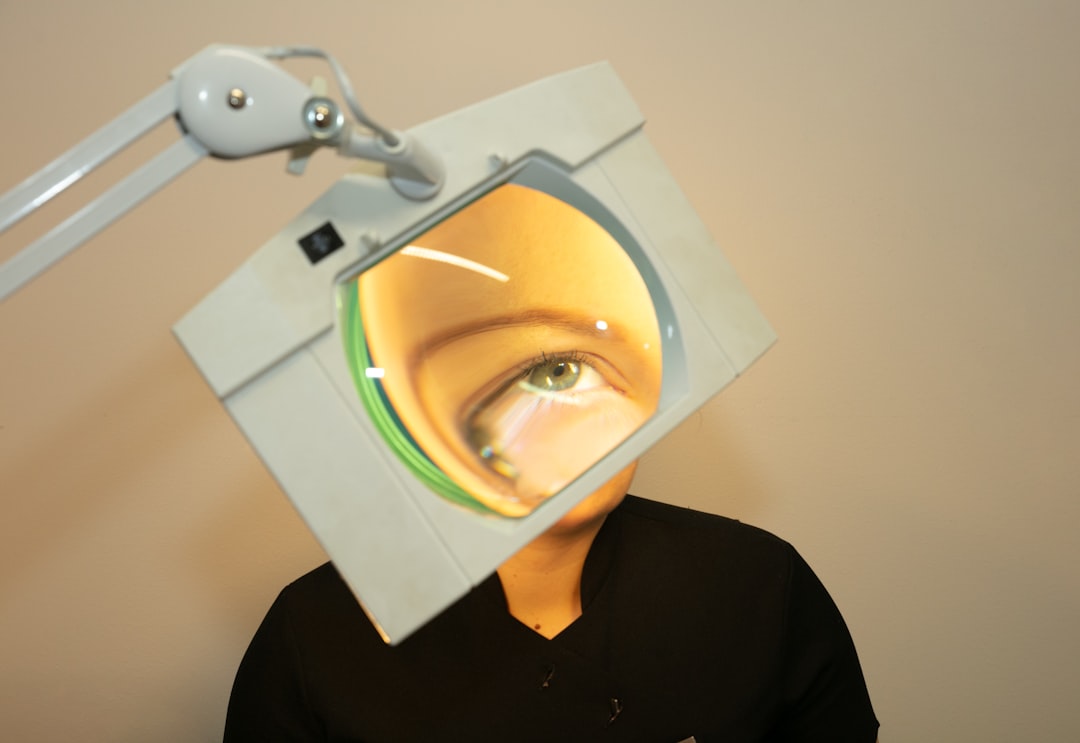
Okay, this one’s different—it creates faces! Using AI called GANs, it generates photos of people who don’t exist. While it doesn’t find real faces, it’s an eye-opener about what AI can do.
Extra Tips for Using Face Search Wisely
- Privacy matters – Always remember that sharing faces online can raise privacy concerns.
- Stay ethical – Don’t use these tools to stalk or harass anyone.
- Read the rules – Some platforms require consent to use images for face searches.
When Should You Use These Tools?
There’s a bunch of helpful reasons:
- To spot fake accounts or scammers.
- To rediscover lost friends using an old photo.
- To protect your privacy by finding where your photo appears.
- To compare headshots and detect similar faces.
How Face Recognition Tech Works
A quick geeky detour—AI face tools analyze things like the distance between your eyes, the shape of your nose, and other data points. These are called “facial landmarks.”
Then the AI matches your photo with other photos that have similar landmarks. Some programs can even work if you’re wearing sunglasses or a hat (pretty slick, right?).
Free vs Paid Tools
Many tools on this list offer free versions, but with limited features. Here’s how they usually differ:
- Free tools – Great for simple searches and experiments.
- Paid tools – Offer deeper searches, higher accuracy, and more privacy.
If you’re a casual user, start free. If you’re using it for work—like journalism or investigations—consider a pro upgrade.
Safety First With AI
AI is strong, but we should use it wisely. It’s tempting to run every face you find through a search tool, but think before you click. Treat others’ photos how you’d want yours treated.
Quick Recap
Still with us? Nice. Here’s a lightning-fast recap of what you just read:
- There are tons of AI tools to search for faces online.
- PimEyes, FaceCheck.ID, and Social Catfish are user-friendly go-tos.
- Developer tools like Azure and Face++ offer deep features.
- Always respect privacy and use tech ethically.
Bottom Line
Finding someone with a photo used to feel impossible. Now, thanks to smart AI tools, it’s as simple as uploading an image. Whether you’re reconnecting with someone or verifying identities, there’s a tool out there for you.
Just remember: with great AI comes great responsibility. Use it kindly, and stay curious!