

Let’s face it — backup cameras are awesome. They make parking easier, help you avoid obstacles, and can save you from nasty dings or worse. But when they stop working? Ugh. The frustration is real.
TL;DR: If your backup camera isn’t working, don’t panic. It could be a minor glitch, a simple wiring issue, or just a dirty lens. Start with the basics: clean the lens, check the fuse, and restart your car. Still stuck? We’ve got a whole list of things to try below.
Common Signs Your Backup Camera Has a Problem
You hop in your car, put it in reverse… and nothing. Or maybe you see:
- A black screen
- A fuzzy or distorted image
- A “No Signal” message
- The image appears but flickers
Each one of these signs can point to a different issue. But don’t worry, we’ll break it down step by step.
1. Start Simple: Clean the Camera Lens
Sometimes, your car’s camera just can’t see! Road grime, rain, or snow can completely block the lens.
Solution: Use a soft cloth and mild cleaner like glass cleaner or water to wipe the lens gently. Don’t use anything abrasive.
Try reversing again. If the image is now clear — boom, problem solved!
2. Restart the Infotainment System or Vehicle
Modern cars are basically rolling computers. And just like your laptop, they sometimes need a reboot.
Solution: Turn off your car completely. Get out, lock the doors, and wait a couple of minutes. Then get back in and start it up again.
With some models, you may also be able to hold the power button on the infotainment screen for 10-20 seconds for a soft reset.
3. Check for Display Settings
It’s possible someone (looking at you, kids…) messed with the settings.
Solution:
- Go into your car’s infotainment settings.
- Look for camera or display options.
- Make sure the rear-view camera is enabled.
Also, check brightness/contrast settings. Sometimes, it’s just too dark to see anything.
4. Inspect the Camera for Damage
Cameras can get bumped or waterlogged. If the image on your screen is flickering or warped, the camera may be cracked or misaligned.
Solution: Take a close look at the camera. Is it still mounted firmly? Is there visible damage or moisture inside the lens?
If yes, the camera likely needs replacing. Many aftermarket options are available and not too expensive.
5. Check the Wiring and Connections
Loose wires or corrosion can disrupt the signal from your camera to the screen.
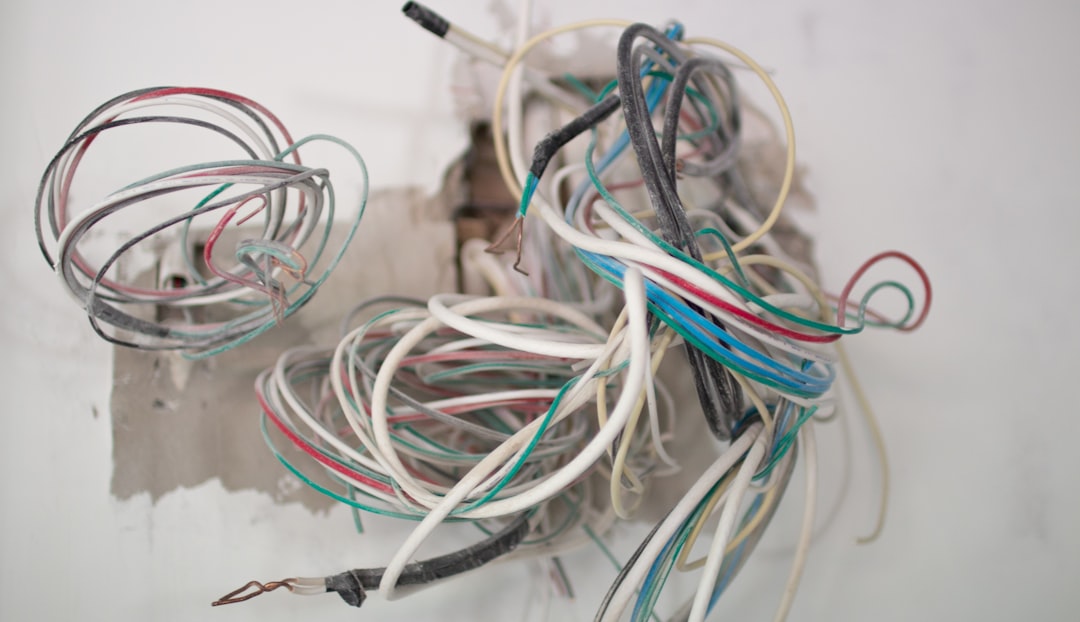
Solution: If you’re comfortable with a bit of handiwork:
- Look under the bumper or in the trunk near where your camera is mounted.
- Check the connections. Re-seat any cables or plugs.
- Look for frayed wires or rust on the connectors.
Still unsure? This step might be best left to a professional if electrical stuff isn’t your jam.
6. Test the Fuse
It may sound old-school, but a blown fuse could be the culprit. The camera needs power, and fuses control that.
Solution:
- Look in your owner’s manual to locate the camera or infotainment fuse.
- Pull the fuse and inspect it. If the wire inside looks broken or burnt — it’s blown.
- Replace with a fuse of the exact same rating (usually printed on the fuse).
7. Update the System Software
Yep, your car might need a software update! More cars than ever now receive firmware updates, and camera issues can sometimes be bugs.
Solution:
- Check the car manufacturer’s website or owner portal.
- Some updates can be done via USB or over-the-air.
- Follow instructions carefully or visit the dealership if unsure.
8. Try Reverse Again with Parking Brake Off
This one sounds weird, but some camera systems automatically disable if the parking brake is on or the trunk is open.
Solution: Release your parking brake completely and ensure that the trunk is shut tight. Then try reverse again.
9. Replace the Camera (If All Else Fails)
Still no luck? It might just be time for a new camera.
The good news is that backup cameras don’t have to cost a fortune. You can find many on Amazon or at auto parts stores. In fact, many are DIY-friendly and plug right into existing ports or wiring harnesses.
Just make sure the new camera is compatible with your car model and screen input type (like RCA, USB, etc.).
Bonus Tip: Use Your Ears!
Some backup cameras make a faint click or buzzing noise when they activate. Try turning your car to the “accessory” mode and shifting into reverse. If you don’t hear anything near the camera — it might not be getting power at all.
When to Call the Pros
If you’ve tried all of the above and still don’t have a working camera, it’s okay to wave the white flag.
Time to call in the cavalry if:
- The camera’s image cuts in and out constantly
- You’re not comfortable checking wiring or fuse boxes
- The display unit is glitchy or completely dead
A certified technician can run diagnostics, replace bad components, and get you back to backing up safely.
Wrapping It All Up
Backup cameras are handy little helpers. But when they go dark, it doesn’t mean doom and gloom. Often, it’s something small and easy to fix.
Let’s recap:
- Clean the lens
- Restart the car
- Check camera settings
- Inspect for damage
- Check wiring and connections
- Test the fuse
- Update software
- Double-check parking brake and trunk
- Replace the camera if needed
Go step by step, and don’t rush. This is one problem you can likely solve without a mechanic — and with minimal tools!
Happy reversing!