


In an era where preserving memories has become more important than ever, restoring old family videos and photos to crystal-clear quality is no longer just a dream. Technology has taken an enormous leap forward, and VideoProc Converter AI is now leading the charge. This powerful tool brings new life to blurry, pixelated, or low-resolution media by using advanced artificial intelligence to enhance visuals—making them suitable for display in stunning 4K or even 8K resolution.
TL;DR:
VideoProc Converter AI has introduced groundbreaking AI-powered upscaling that breathes new life into your old videos and photos. Whether you’re dealing with 480p home footage or faded images from decades ago, this tool enhances resolution and clarity intelligently. With seamless processing and user-friendly design, it’s ideal for both beginners and professionals. Say goodbye to blurry memories and hello to breathtaking 4K and 8K quality content.
Why Restoration Matters
Many of us have family treasures sitting in dusty boxes or old hard drives—home videos shot with camcorders in the 90s, scanned photos from family photo albums, or even early smartphone media. While these pieces contain priceless memories, the visual quality often leaves much to be desired. Low resolutions, noise, blur, and compression artifacts can make irreplaceable moments feel distant and degraded.
This is where the need for a professional-grade restoration tool becomes critical. VideoProc Converter AI promises not just to restore, but to revolutionize how we recover our past.
What Is VideoProc Converter AI?
VideoProc Converter AI is the latest evolution of the already impressive VideoProc software. With the integration of artificial intelligence, the tool now offers video and image upscaling powered by trained neural networks specifically designed for visual enhancement. It can upscale media from standard definition (SD) all the way up to ultra-high definition (UHD).
Here’s what makes VideoProc Converter AI stand out:
- AI Upscaling: Converts old, low-resolution media to 4K or 8K with vivid detail and precision.
- Noise Reduction: Removes grain and visual noise intelligently without degrading quality.
- Color Enhancement: Revives faded colors, balances tones, and restores natural look.
- Face and Object Recognition: Identifies and sharpens faces, landmarks, and patterns more accurately than traditional tools.
- Batch Processing: Handles multiple files efficiently to save time.
How AI Restoration Works
Unlike traditional filters or editing tools that apply generic adjustments, VideoProc’s new AI models have been trained using thousands of hours of video and image data. The process involves deep learning and neural network inference to understand what real-life textures and contours should look like—even when working with heavily pixelated sources.
Here’s a simplified breakdown of how the AI restoration works:
- The user imports a low-resolution video or photo.
- The software analyzes the frame by identifying edges, textures, and patterns.
- It references its AI models to interpolate new pixels in a way that mimics realistic details.
- It reconstructs the media in higher resolution (up to 4K or 8K), sharpening, enhancing, and color correcting in real-time.
Restoring Photos with Incredible Detail
Still photos benefit tremendously from AI upscaling. Whether you’re working with old family portraits, scanned photographs, or social media downloads, VideoProc can enhance clarity and recover lost detail—even rebuilding partial damage.
One of the most impressive capabilities is facial enhancement. Through sophisticated facial recognition, VideoProc can improve facial structures, skin tone, and eye clarity with remarkable realism, making it a perfect solution for:
- Genealogy projects
- Family photo restoration
- Documenting heritage
- Digital framing or archiving
Color correction and lighting balance further polish the result, turning old sepia-toned memories into vivid, lifelike images.
Video Restoration: From VHS to 8K
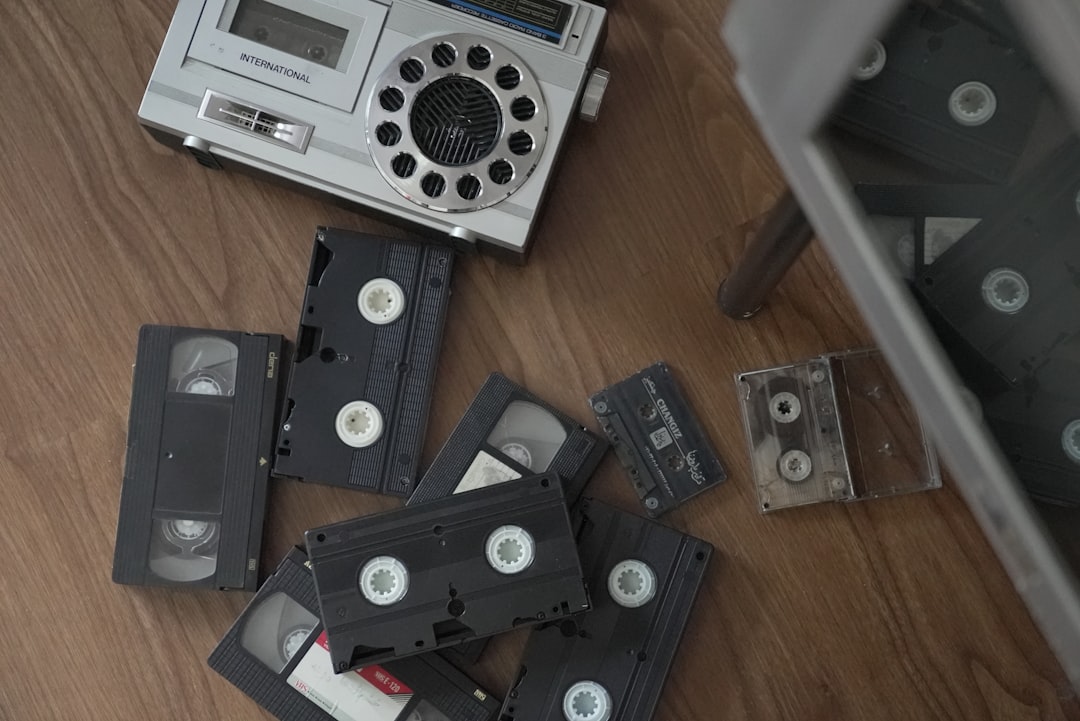
Videos taken from VHS tapes, DV cams, or early digital cameras often suffer from motion blur, interlacing lines, and color distortion. This can deter people from watching or sharing older footage. VideoProc Converter AI changes that equation by offering an intelligent solution.
Some of the key video restoration capabilities include:
- Motion Compensation: Improves clarity even within moving scenes.
- Deblurring: Fixes focus issues and camera jitters commonly found in handheld videos.
- Frame Interpolation: Smooths out choppy frame rates for a more cinematic feel.
- Deinterlacing: Clears up scan lines from older recordings.

These upgrades not only modernize old clips but also prepare them for viewing on today’s high-res devices, including 4K UHD TVs, iPhones, tablets, and PC monitors.
User-Friendly Yet Powerful
One of the top priorities for the team behind VideoProc has been ease-of-use. Despite the advanced under-the-hood AI, using the software doesn’t require any technical background:
- Drag-and-drop interface: Easy file import and organization.
- Preset profiles: Choose 4K, 8K, specific devices, or custom resolutions.
- Live preview: Monitor changes in real time before exporting.
The software supports a wide range of formats including MP4, AVI, MOV, HEIC, JPG, and more. It is compatible with Windows and macOS platforms.
Beyond Personal Use: Applications in Media and Preservation
Restoration isn’t just for everyday users. Professional content creators, historians, and archivists are increasingly using AI upscaling tools as part of their preservation pipeline. Because of its high fidelity and reliability, VideoProc Converter AI is also being adopted in:
- Documentaries that use archival footage
- Restoring artwork and historical images
- Reviving old corporate or wedding videos
- Creating museum displays or digital installations
By combining restoration with export capability for modern formats, the software provides a bridge between the past and present mediums, especially in institutional and educational settings.
Real Results and Testimonials
Early users have been quick to praise the tool’s ability to produce noticeable results with minimal effort. One photographer noted: “I recovered thirty-year-old photos of my grandparents and now they look like they were taken yesterday.” Another reviewer on a genealogy forum commented, “VideoProc restored an 8mm home video that none of us thought could be saved. My entire family was in tears watching it in HD.”
The before-and-after comparisons speak for themselves—grainy, ghosted images are transformed into detailed, smooth visuals.
Conclusion: Your Memories Deserve Better
Memories aren’t meant to fade with time. Thanks to VideoProc Converter AI, you no longer have to accept mediocre quality or retire your old media to the attic. The tool sets a new benchmark for digital restoration, giving users access to professional AI processing with home-level accessibility.
Whether you’re preserving family history or simply upgrading outdated media, VideoProc’s AI upscaling ensures your precious moments are seen in their best possible light—today and for generations to come.