

Designers move fast. Ideas come and go in seconds. Clients want to see concepts, not just hear about them. That’s where AI image generation tools shine. With a few words, you can turn rough thoughts into eye-catching visuals. No complex setup. No waiting days for drafts. Just type, tweak, and create.
TLDR: AI image tools help designers turn ideas into visuals in minutes. They’re great for mood boards, mockups, concept art, and client previews. Some tools focus on realism. Others shine in art styles or branding. Pick the one that matches your workflow and creative goals.
Let’s explore the top 7 AI image generation tools designers use to visualize concepts fast. We’ll keep it simple. And fun.
1. Midjourney
Midjourney is a favorite among creative professionals. It’s known for its artistic style and dramatic visuals.
Designers love it for:
- Concept art
- Fantasy illustrations
- Mood boards
- Brand exploration
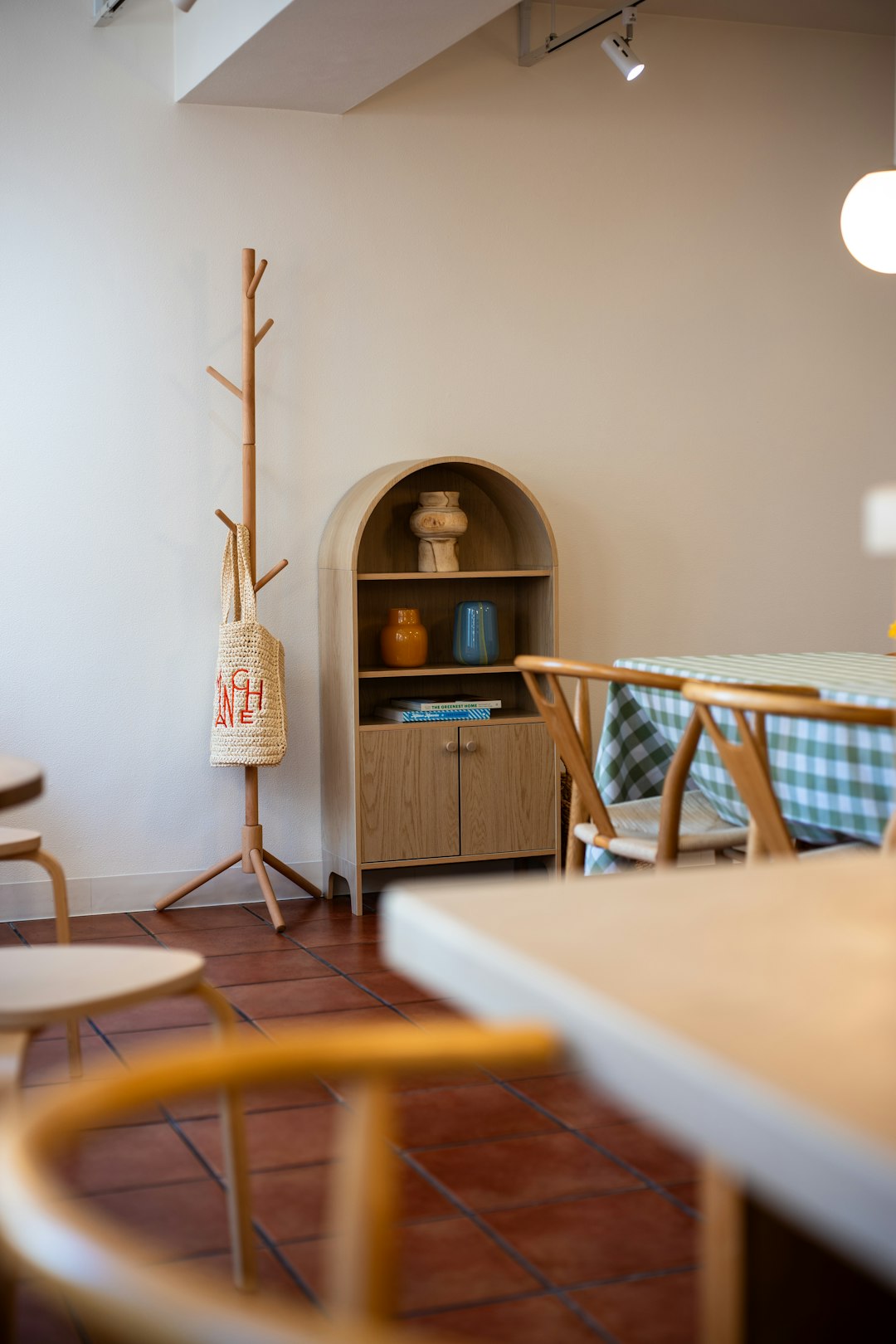
You type a prompt. For example: modern coffee shop interior, warm lighting, Scandinavian design, natural wood. In less than a minute, you get multiple visual options.
It often feels magical. The lighting. The textures. The vibe. Midjourney is great when you want something expressive and bold.
Why designers like it:
- Highly artistic output
- Strong community for inspiration
- Great for early-stage brainstorming
Keep in mind: It may take practice to craft the perfect prompt. But once you learn it, results get better fast.
2. DALL·E
DALL·E is known for turning simple descriptions into detailed images. It’s easy to use. That’s a big win for busy designers.
You can create:
- Marketing visuals
- Product mockups
- Website illustrations
- Social media graphics
It handles realistic and stylized images well. Need a minimalist workspace with pastel colors and soft shadows? No problem.
Best part? It understands natural language very clearly. You don’t have to overthink your prompts.
Designers use it to quickly show clients different directions. Instead of describing three homepage hero ideas, you generate them.
Seeing is convincing.
3. Adobe Firefly
Already using Photoshop or Illustrator? Then Firefly fits right into your workflow.
Adobe Firefly focuses on design-friendly AI. It’s built with creatives in mind.
Features designers love:
- Text-to-image generation
- Generative fill (extend or edit images)
- Text effects for typography exploration
Imagine creating a poster. You want to test different backgrounds. Instead of searching stock sites, you generate custom ones instantly.
Why it stands out:
- Seamless integration with Adobe tools
- Commercial-friendly use
- Simple interface
It’s practical. Fast. And safe for professional projects.
4. Stable Diffusion
Stable Diffusion is powerful and flexible. It’s also open-source. That means more control.
Designers who love customization often choose this tool.
You can:
- Run it locally on your computer
- Fine-tune models
- Create very specific styles
It’s popular for:
- Game assets
- Character design
- Experimental visuals
This tool may feel more technical at first. But the creative freedom is huge.
If you want full control over how images are generated, Stable Diffusion is a strong choice.
5. Leonardo AI
Leonardo AI is growing fast among designers. Especially in gaming and product design.
It’s great for:
- Concept art
- Environment design
- UI inspiration
You can train custom models. That means you can teach it your brand style.
Imagine generating app screens that follow your exact design system. Colors. Buttons. Mood. All consistent.
Designers appreciate:
- High-quality rendering
- Style consistency options
- Fast variations
It helps speed up the messy early phase of design. You explore more ideas in less time.
6. Runway
Runway is not just about images. It also handles video. But its image tools are powerful on their own.
Designers use Runway for:
- Creative campaigns
- Storyboards
- Visual experiments
One big feature is image editing with AI assistance. You can remove backgrounds. Replace objects. Expand scenes.
Working on a pitch deck? You can quickly generate cinematic visuals to support your story.
Why it’s useful:
- Easy editing tools
- Great for storytelling
- Combines image and motion
It’s perfect when static images are just the start.
7. Canva AI Image Generator
Not every designer needs complex tools. Sometimes you just want something quick and simple.
Canva’s AI image generator is built for speed.
You can create:
- Blog graphics
- Presentations
- Instagram posts
- Quick mockups
Everything happens inside Canva’s editor. That saves time.
Why beginners love it:
- Very easy to use
- No steep learning curve
- Drag-and-drop layout tools
It may not be as advanced as others. But for fast marketing visuals, it works beautifully.
How Designers Use These Tools in Real Life
AI image generation is not about replacing designers. It’s about boosting creativity.
Here’s how professionals use these tools daily:
- Brainstorming: Generate 20 concepts instead of sketching 3.
- Client communication: Show visual directions early.
- Mood boards: Create custom imagery instead of stock photos.
- Rapid prototyping: Visualize product ideas fast.
- Style exploration: Test colors, lighting, materials.
Think of AI as a creative assistant. It doesn’t replace your taste. Or your design thinking.
You still decide:
- What works
- What fits the brand
- What feels right
AI just helps you get there faster.
Tips for Better Results
Want stronger visuals? Try these simple tips:
- Be specific. Instead of “modern office,” say “modern office with glass walls, concrete floor, natural daylight.”
- Mention style references. For example: “in minimalist Scandinavian style.”
- Describe lighting. Golden hour. Soft shadows. Neon glow.
- Experiment. Small prompt changes can create big differences.
- Generate variations. Don’t stop at the first good image.
It’s part art. Part experimentation.
Final Thoughts
Speed matters in design. But so does imagination.
AI image generation tools help designers move from idea to visual in minutes. They reduce friction. They spark inspiration. And they make presentations much more exciting.
Each tool has its strengths:
- Midjourney for artistic drama
- DALL·E for easy, high-quality visuals
- Adobe Firefly for smooth design workflows
- Stable Diffusion for control and customization
- Leonardo AI for concept-heavy projects
- Runway for visual storytelling
- Canva for quick and simple content
The best part? You don’t have to choose just one.
Many designers mix tools depending on the project. Fast drafts in one. Polished edits in another.
In the end, AI doesn’t replace creativity. It speeds it up. And in today’s design world, that’s a superpower.